> ## Documentation Index
> Fetch the complete documentation index at: https://docs.tamarind.bio/llms.txt
> Use this file to discover all available pages before exploring further.
# Manage Team
> Manage team members
Users can have 2 roles: admin and member. Admins can invite/remove users and see compute stats within the organization.
Invite User:
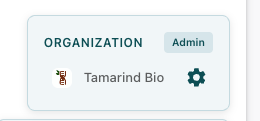
1. Navigate to your user page ([https://app.tamarind.bio/app/results](https://app.tamarind.bio/app/results)) -> Click the gear icon next to your organization name
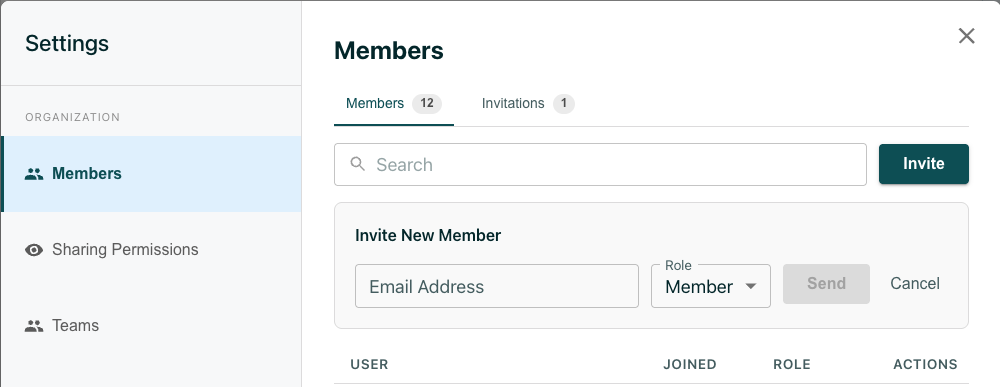
 2. The Members page will open by default. Click "Invite" -> Enter the emails of the members you want to invite -> Click "Send"
 By default, all members in an organization can see others' jobs and custom models.
More fine-grained permissions are available upon request, email [info@tamarind.bio](mailto:info@tamarind.bio).
By default, all members in an organization can see others' jobs and custom models.
More fine-grained permissions are available upon request, email [info@tamarind.bio](mailto:info@tamarind.bio).